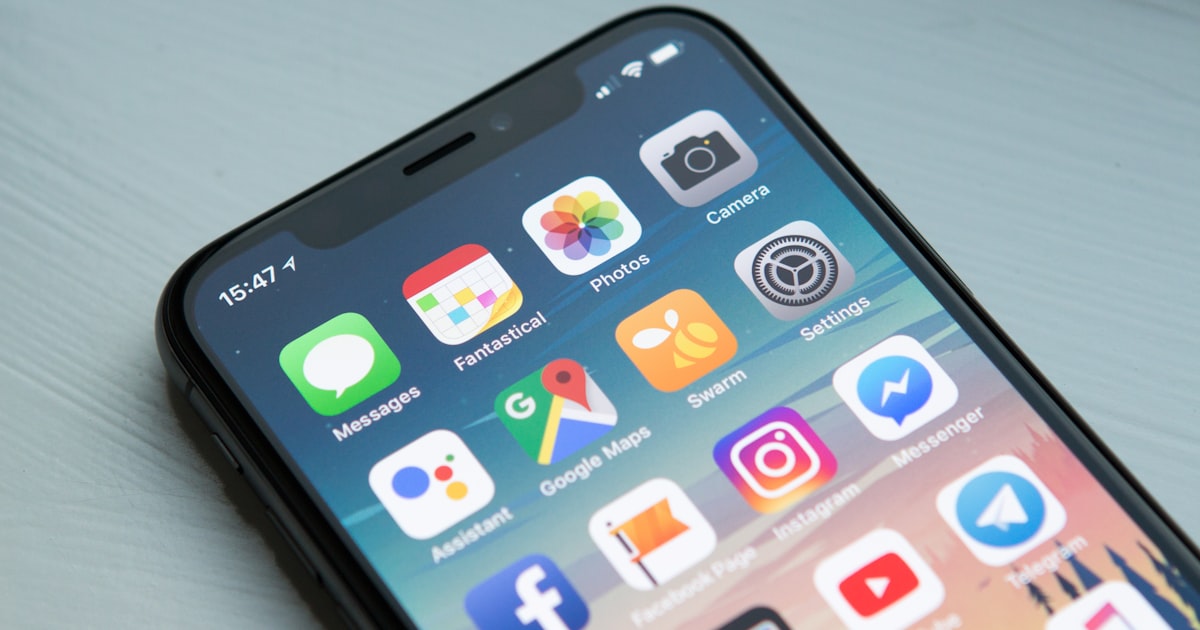
Your Smartphone Is Your Best Survival Tool — Here's How to Maximize It
Your phone is already the most powerful emergency tool you own. Learn how to configure it for offline maps, emergency contacts, medical info, and extended battery life.
Prevna Team
Emergency Preparedness Experts
The Tool You Already Carry
You do not need to buy a satellite phone, a ham radio, or a signal mirror. The most powerful emergency communication and navigation device ever created is already in your pocket.
Your smartphone — configured correctly — can:
- Navigate without cell service using offline maps
- Display your medical information to first responders when locked
- Contact emergency services even without a SIM card
- Store critical documents accessible offline
- Provide a flashlight, whistle, compass, and weather radio
- Last 48-72 hours on a single charge in emergency mode
The key word is configured correctly. Most people's phones are not.
The 20-Minute Smartphone Readiness Setup
Prevna's Smartphone Kit walks you through every step, but here is the overview:
1. Download Offline Maps (5 minutes)
In Google Maps or Apple Maps, download your local area (50-mile radius) for offline use. This works without any cell signal or Wi-Fi.
- Google Maps: Tap your profile picture, then "Offline maps," then "Select your own map"
- Apple Maps: Search for your city, tap "Download"
Also download the offline map for your evacuation route destination.
2. Set Up Emergency Medical ID (3 minutes)
Both iOS and Android have a Medical ID feature that first responders can access from your lock screen:
- Blood type
- Allergies
- Medications
- Emergency contacts
- Organ donor status
- Medical conditions
This information can save your life if you are unconscious or unable to communicate.
3. Save Emergency Contacts Correctly (3 minutes)
Add "ICE" (In Case of Emergency) before your emergency contact names:
- ICE - Sarah (spouse)
- ICE - Mom
- ICE - Dr. Johnson
First responders are trained to look for ICE contacts. Also save your local non-emergency police number, poison control (1-800-222-1222), and your utility company's outage line.
4. Store Critical Documents (5 minutes)
Take photos or scan these documents and save them in a secure folder:
- Driver's license / passport
- Insurance cards (health, auto, home)
- Medication list with dosages
- Property deed or lease
- Emergency contacts list
- Pet vaccination records
Use your phone's built-in secure folder (iPhone: Notes with lock, Android: Secure Folder) or a password-protected PDF.
5. Configure Battery Optimization (4 minutes)
In an emergency, battery life is everything. Pre-configure these settings so you can activate them quickly:
- Low Power Mode shortcut — add to Control Center for one-tap access
- Reduce brightness to 25% — saves 30-40% of battery
- Turn off Background App Refresh — saves 10-15%
- Disable Bluetooth and Wi-Fi when not in use
- Enable Airplane Mode when you do not need connectivity
A modern smartphone in emergency mode (airplane mode, low brightness, minimal use) can last 48-72 hours on a single charge.
The Powerbank Equation
Prevna calculates your ideal powerbank size based on your phone model and household:
Formula: Phone battery (mAh) x Number of full charges needed x 1.3 (efficiency loss)
For example: iPhone 15 (3,349 mAh) x 4 charges x 1.3 = 17,415 mAh
A 20,000 mAh powerbank ($20-30) gives a family of two roughly 3 days of phone power. For a family of four with multiple devices, we recommend 30,000-40,000 mAh.
Offline-First Apps to Install Now
These apps work without internet and are useful in emergencies:
- First Aid — Red Cross — step-by-step first aid instructions offline
- FEMA — emergency alerts and shelter locations
- Zello — walkie-talkie app that works on minimal data
- what3words — precise location sharing (3m accuracy)
- Offline Survival Manual — comprehensive survival reference
Your Digital Score
Prevna's Smartphone Readiness assessment checks each of these configurations and calculates your Digital Preparedness Score. Most people score below 30 on their first check — and reach 80+ within 20 minutes of following the guided setup.
Your phone is already the best survival tool you own. It just needs 20 minutes of your time to reach its full potential.
Related posts
Ready to start your plan?
Build a personalized emergency preparedness plan for your family in about 5 minutes. Free, always.
Start Your Free Plan